01
Windows
A 64-bit Windows system. Use the standalone application or load the VST3 in a compatible 64-bit DAW.
Generative midi engine
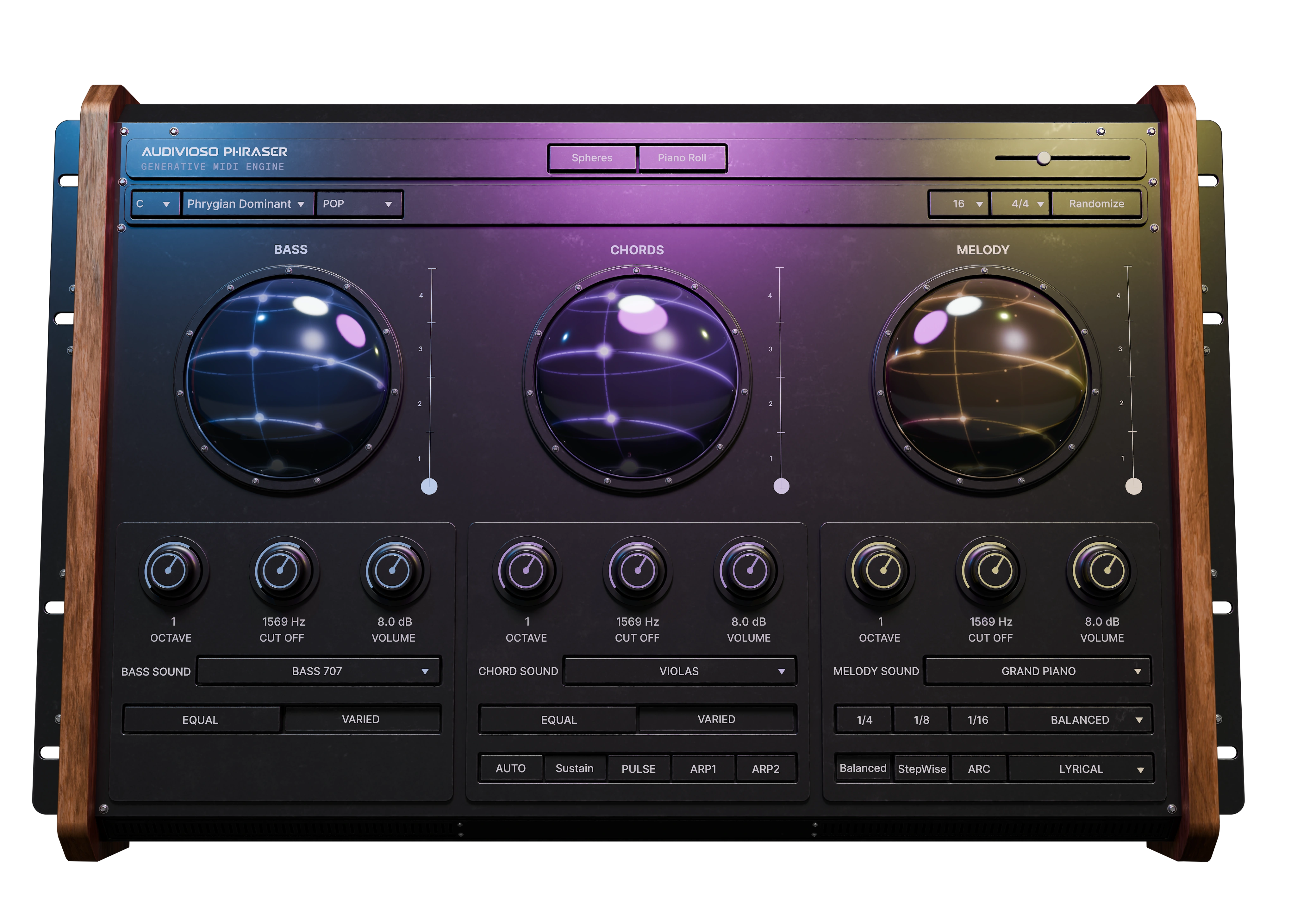
A MIDI generator that writes basslines, chords and melodies in every western scale. Choose a root note, scale and style, then generate from 4 up to 16 bars in the time signature you are composing in. Drag and drop the generated sequences into your favourite instruments.
Samples
Hear how bass, chords and melody come together across different styles.
Chill Out
Deep Ambient
Psychedelic Trance
Hip Hop
Experimental
How it works
Start with a musical direction. Shape the result, then take it straight into your session.
Set your root, scale, style and time signature.
Build, bass, chords and melody as one musical phrase, or take only parts of them that you like into your composition.
Drag the MIDI onto your favorite instrument and make it yours.
Demonstration
See how PHRASER generates, shapes, and exports connected musical ideas.
The creator
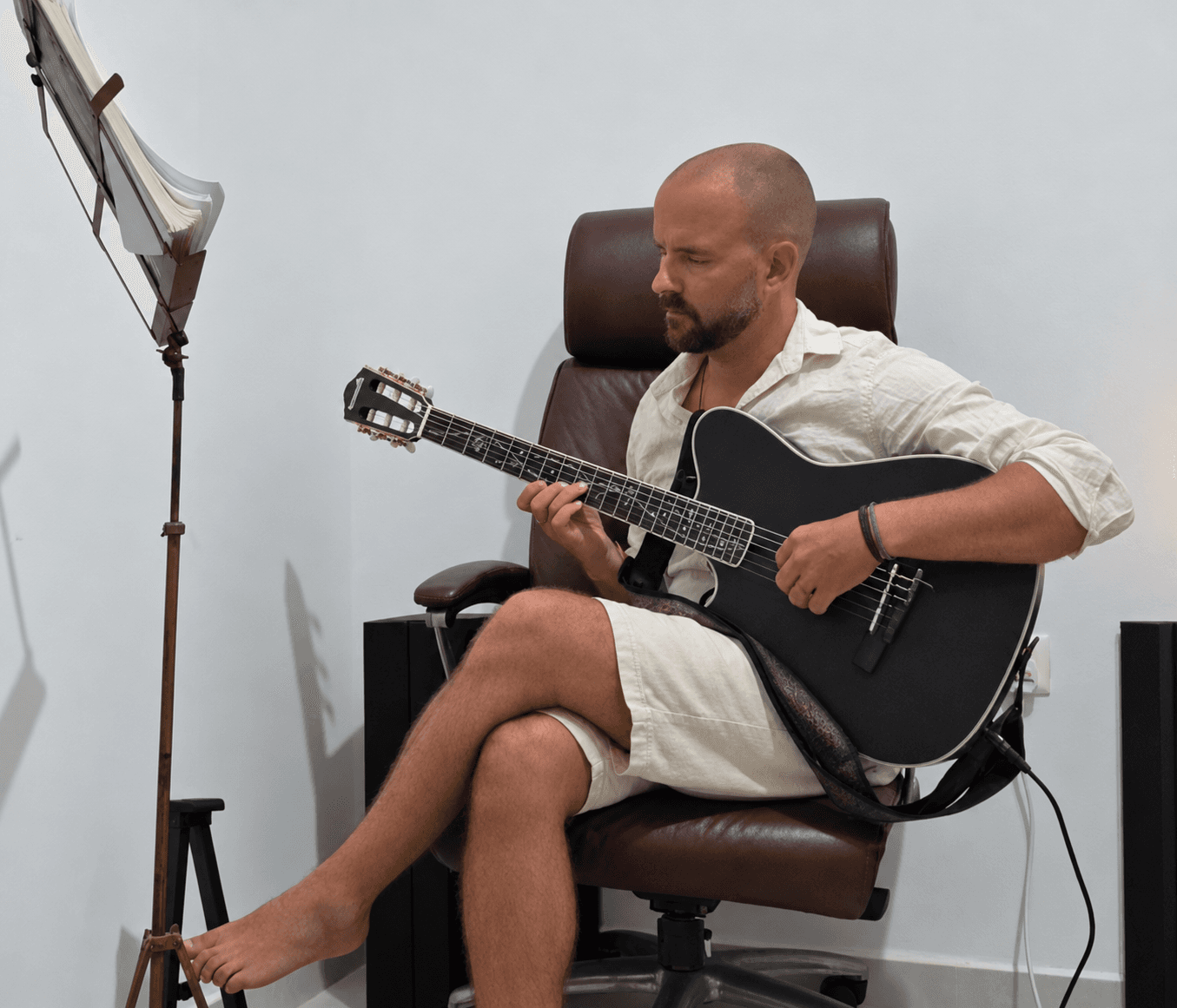
My name is Henrik, founder of Audivoso and creator of Phraser VST. I’ve been creating electronic music for 14 years and have spent many years studying music theory and playing guitar.
I created Phraser to help producers turn inspiration into musical ideas, whatever their level of music theory knowledge. My goal was to make it easier to explore basslines, chords and melodies that work together, and bring more harmonic possibilities into the composing process.
Phraser is a starting point for your creativity. It helps you generate ideas quickly, then leaves you free to shape, develop and make them your own. Your imagination, taste and musical decisions are what turn those ideas into something personal.
This is only the beginning, by getting continous feedback from the community and adding my own new ideas I intend to continue developing Phraser into a great tool for everyday use. Happy creating and exploring!
-Henrik, Founder of Audivoso
Compatibility
Everything you need to run PHRASER as a plug-in or standalone MIDI idea generator.
A 64-bit Windows system. Use the standalone application or load the VST3 in a compatible 64-bit DAW.
macOS 11 or later. Universal builds support both Apple Silicon and Intel Macs, with VST3, Audio Unit, and standalone formats.
For plug-in use, you need a host that supports 64-bit VST3 or Audio Unit. The standalone app works without a DAW; exported MIDI can be dragged into your instruments.
An internet connection is needed for account activation and license validation. GPU rendering can be disabled in Settings when troubleshooting graphics compatibility.
Release notes
Have a question not covered here? Reach out to our customer service team at contact@audivoso.com.
01
It generates bass, chords and melody together as one phrase, so the parts stay harmonically related instead of sounding like separate guesses.
02
Yes. The trial is the real product with full access, so you can test the workflow before committing to the license.
03
Yes. The output is designed for drag-and-drop into your favorite instrument or piano roll, so the idea moves straight into production.
04
This usually happens if Windows doesn't have a default web browser selected. Choose a default browser in your Windows settings to allow the activation window to launch.
05
Nine styles are included: Pop, Lo-Fi, Cinematic, Rock, Funk, Blues, Classical, Melodic House and Hip-Hop. A style never changes which chords get chosen — it changes how they are played, shaping rhythm, voicing, articulation, timing and velocity across all three layers.
06
No. Phraser is rule-based and built from composition logic, so the output follows musical structure instead of machine-learned prediction.
07
Yes. You can edit, export and release music and MIDI created with your licensed copy of PHRASER, including in commercial releases and client work, without paying additional royalties to AUDIVOSO. We do not claim ownership of your original musical contributions or projects.